What is Glean?
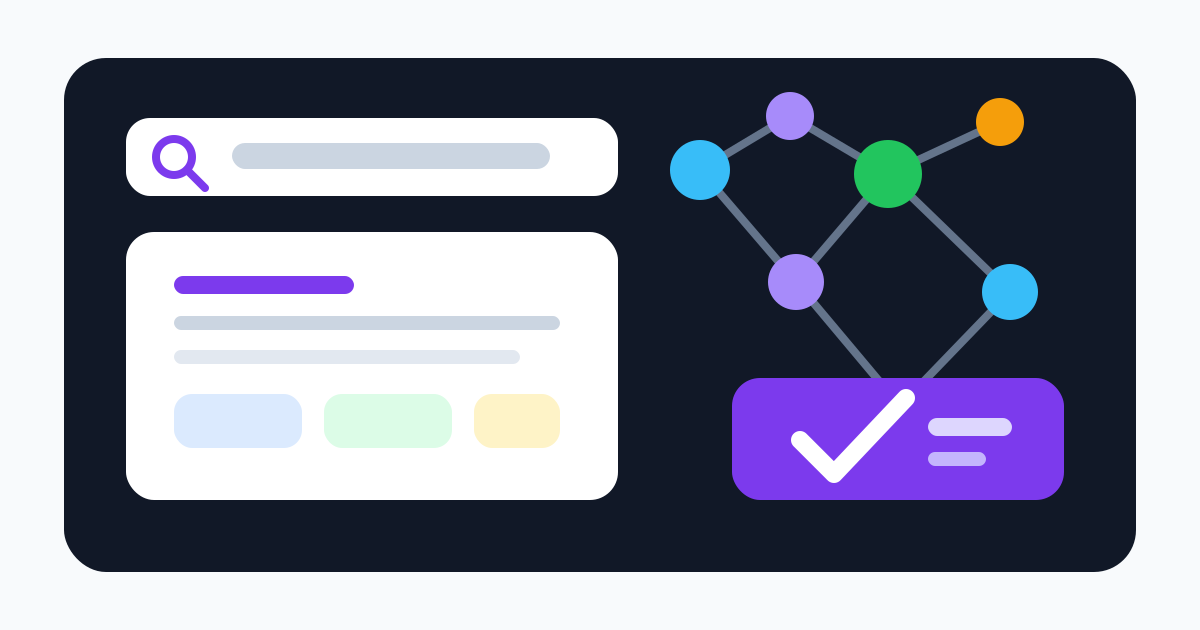
Glean is an enterprise work AI platform that connects to company applications, indexes workplace knowledge, and makes it available through search, a generative assistant, and AI agents. Typical sources include Google Drive, Microsoft 365, Slack, Jira, Confluence, GitHub, Salesforce, ServiceNow, Workday, and other business systems.
Unlike a public web search engine, Glean builds a company-specific index and knowledge graph. Results can account for a person's identity, role, collaborators, activity, and the permissions stored in each connected source. The assistant retrieves permitted items to ground an answer, while agents can use approved tools to perform multi-step work.
The core benefit is less time hunting across applications. The core risk is that a powerful discovery layer magnifies the organization's existing information architecture. Stale, duplicated, unowned, or overshared content does not become correct merely because it is easier to find.
Connectors, indexing, and permissions
Glean's connector documentation describes connectors as components that fetch content and permissions from enterprise sources. The index can include document body, titles, comments, metadata, people, folders, timestamps, and access rules. Custom connectors and APIs extend coverage where a native integration is not available.
Permissions are central. Standard search should show a user only what the source system already allows that identity to access. That depends on correct identity mapping, group membership, connector credentials, permission refresh, and source APIs. Test inherited folders, private channels, external guests, suspended accounts, mergers, aliases, shared links, and permission changes. A source that exposes incomplete ACL data needs a documented fallback.
Indexing also has limits. Official documentation describes size and processing rules: large items may have metadata and permissions indexed without full content. Images, audio, embedded files, scanned documents, encrypted material, and uncommon fields may not be fully searchable. During a pilot, build a known-answer set that includes difficult formats and permission changes rather than only clean documents.
Search, Assistant, and knowledge quality
Glean Search combines keyword, semantic, knowledge-graph, freshness, popularity, and personalization signals. It can return documents, messages, tickets, people, and direct answers. The assistant uses retrieved workplace sources to summarize, compare, draft, or answer questions.
Grounding reduces hallucination but does not eliminate it. Retrieval can miss a relevant source, prefer an outdated page, or combine statements that apply to different regions or products. A generated answer can overstate what a cited document says. Users should open citations for policies, legal terms, financial figures, security requirements, and customer commitments.
Organizations need content owners, expiry rules, authoritative-source labels, and feedback handling. Search analytics can reveal zero-result queries and repeated confusion, but popularity should not outrank current approved policy. Measure citation support, freshness, permission correctness, and task completion—not just query volume.
Agents and actions
Glean's platform includes agent-building and execution capabilities that can retrieve context and act through connected tools. Example workflows may draft updates, assemble research, prepare onboarding material, or move information between business systems. The value increases when the agent has access to rich internal context; so does the potential impact of a mistake.
Begin with read-only tasks and previews. Require human approval for messages, record changes, purchases, access grants, deletion, personnel decisions, and external publication. Use service identities with least privilege, constrain allowed tools and domains, log retrieved sources and actions, and define rollback or incident procedures. Prompt injection in indexed content and malicious instructions in external data must be treated as security threats.
Deployment and pricing approach
Glean uses an enterprise sales process and does not provide a simple public per-user price list on the pages reviewed. Buyers request a demo and negotiate a contract based on products, user population, connector scope, deployment, support, and other commercial variables. Glean also advertises isolated single-tenant deployment choices, regional data sovereignty, and options involving customer cloud environments.
Request a quote that separates Search, Assistant, Agents, Protect, implementation, premium connectors, APIs, model or agent consumption, sandbox and production environments, support, and renewal increases. Clarify minimum users, inactive accounts, contractors, acquisitions, overages, and exit assistance.
Total cost includes connector configuration, identity cleanup, permission remediation, content ownership, change management, training, and ongoing security review. A measured pilot should compare time saved on representative tasks against these operational costs.
Security, privacy, and privileged administration
Glean's security page describes isolated single-tenant environments, source permission enforcement, regional deployment choices, encryption, sensitive-data controls, and zero-retention agreements with model providers. Its legal center lists certifications and customer agreements. Exact commitments depend on the contract and selected architecture, so marketing statements should be validated in the Trust Center, security documentation, DPA, subprocessor list, and order form.
Permission-aware search is not a cure for oversharing. If a broad group already has access to payroll, customer, credential, or personnel files, Glean can make those files easier to discover. Use sensitive-data scanning and source remediation before broad rollout. Glean also documents privileged administrative search capabilities for approved security or privacy responders that can locate indexed sensitive content independently of normal document permissions; these roles require explicit enablement, separation of duties, audit, and monitoring.
Verify what is indexed, which models receive retrieved passages, retention for prompts, responses and logs, region behavior, support access, deletion, backups, telemetry, extension permissions, and agent execution. Test offboarding and emergency connector shutdown.
Alternatives and decision guidance
Glean is best suited to enterprises whose main problem is fragmented internal knowledge. Compare Microsoft Copilot when most content and identity live in Microsoft 365, Notion AI for a Notion-centered workspace, Google Gemini for Google Workspace-native assistance, or Perplexity for externally focused research.
Use a limited pilot across real repositories and a diverse user group. Score permission leakage, known-answer retrieval, citation quality, freshness, difficult formats, time saved, agent action safety, administration effort, and cost. Enterprise search succeeds when employees find the current authorized answer faster—not when the system merely returns more content.
Visit the official Glean website