What is Jules?
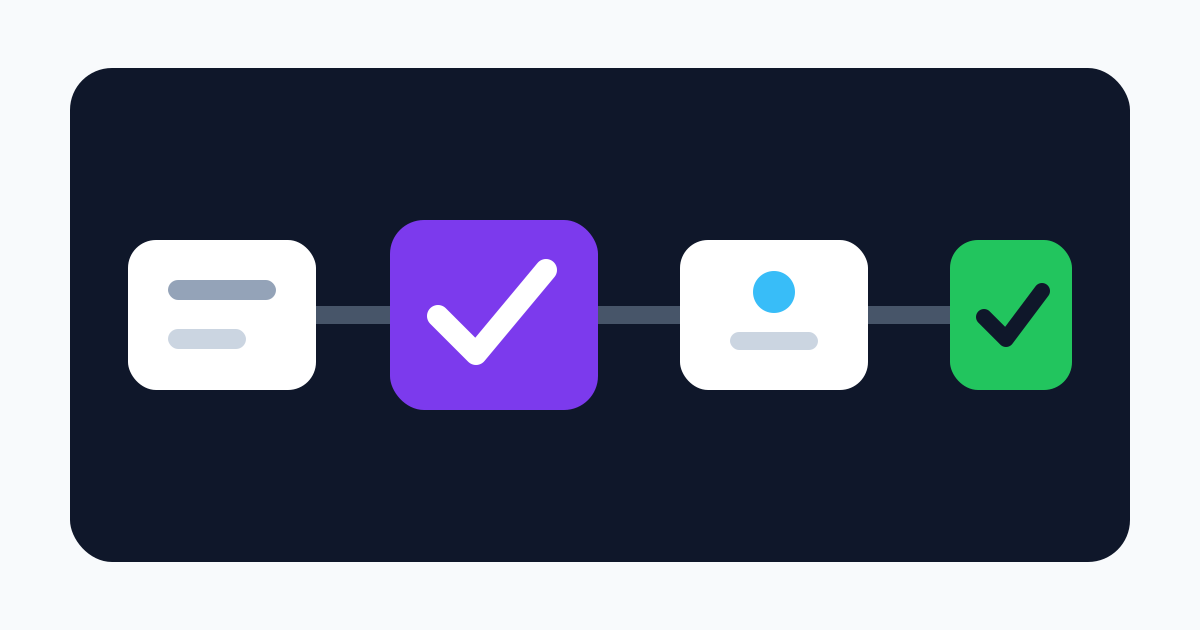
Jules is Google's asynchronous software coding agent. Instead of completing code inline in an editor, it accepts a task against a selected GitHub repository and branch, creates a fresh cloud virtual machine, clones the code, installs or configures the environment, proposes a plan, and works while the developer does something else. The result can be reviewed as a diff and moved into the normal GitHub branch and pull-request process.
Appropriate tasks include adding tests, fixing a reproducible bug, updating documentation, making a contained refactor, implementing a small feature, or responding to a GitHub issue. Jules can run multiple jobs concurrently according to the plan limit. Repository setup scripts and an AGENTS.md file can explain commands, project structure, conventions, testing, and constraints so the agent does not have to infer everything from source files.
This workflow is useful because the agent has a real build environment and repository context. It is also riskier than autocomplete. Jules can execute commands, download dependencies, modify many files, call selected integrations, and create commits or pull requests. A convincing plan is not proof that the implementation is correct or safe.
A safe repository workflow
Install the Jules GitHub app only for specific repositories, not every repository in the account. Start with a non-sensitive project that has deterministic setup, fast tests, linting, type checks, and branch protection. Use a dedicated branch, require pull requests, preserve code-owner review, and prevent the agent identity from bypassing required checks.
Write narrow tasks with an observable acceptance test. Identify files that may change, APIs that must remain compatible, prohibited dependencies, security constraints, expected edge cases, and exact validation commands. Review and edit the proposed plan before execution. If the plan expands scope, changes infrastructure, modifies authentication, or introduces a new dependency without justification, stop and re-scope it.
Treat every result as an untrusted contribution. Inspect the full diff, not only the summary. Run independent CI in your own trusted environment, scan dependencies and secrets, review lockfile and generated-file changes, and test authorization, error paths, concurrency, migration and rollback behavior where relevant. Never merge because tests passed inside the agent VM alone.
Jules supports configurable commit attribution. Keep attribution transparent so reviewers know an AI agent authored or co-authored the change. Human ownership remains essential: the person approving and merging the change is accountable for licensing, security, behavior, and maintenance.
Cloud execution and repository security
The official FAQ says each task runs in a fresh, internet-connected cloud VM. Jules clones the repository, installs dependencies, runs repository code and non-code instructions, and edits files. Google explicitly advises users not to commit API keys, tokens, credentials, or other secrets and to treat the environment like a public or shared compute surface.
That warning matters even when a repository is private. A compromised package install script, test fixture, build tool, binary, document, issue, or prompt can attempt to read files, alter output, contact the network, or influence the agent. Do not inject production credentials through setup scripts. Use synthetic test data and short-lived, least-privileged credentials only when a task truly needs an external service. Restrict network-sensitive tasks and inspect all fetched code.
The GitHub app should be reviewed periodically and revoked when not needed. Remove repositories from its installation scope rather than relying only on instructions. Audit branches, pull requests, commits, task history, Google account sessions, API keys, and connected MCP or deployment services. Selected Jules integrations may use autonomous triggers, so verify which external event can start work and which repository or branch it can change.
Google's FAQ states that private repository content is not used to train models. That claim does not mean the code never leaves GitHub or is processed only locally: the service must clone and process it in Google's cloud. Review the applicable privacy notice, Google account terms, retention controls, subprocessors, support access, deletion behavior, and organizational policies before using proprietary or regulated code.
Plans, limits, and eligibility
The current Free Jules plan allows 15 tasks in a rolling 24-hour window and three concurrent tasks. Jules in Google AI Pro allows 100 daily tasks and 15 concurrent tasks. Jules in Google AI Ultra allows 300 daily tasks and 60 concurrent tasks. The documentation says the tiers have access to the same general product, with higher limits and differentiated access or priority for newer models.
Google AI Pro is currently listed at $19.99 per month on the US Google One page and bundles Jules with storage and other Google AI benefits. Jules does not publish a standalone Pro price. Ultra pricing and availability vary, so verify the local Google One checkout rather than using an old launch price. Task limits can change and capacity is not guaranteed.
Paid Jules access currently requires an eligible personal Google account ending in gmail.com. The documentation says Google is working on upgrade paths for other user types; business power users can submit an interest form. Jules requires users to be at least 18, and Google support documentation currently lists English as the officially supported language. These constraints make current paid plans a weaker fit for centralized enterprise procurement.
API and integrations
The Jules REST API can list sources, create sessions, approve plans, send messages, and inspect activity. It is explicitly alpha: endpoints, keys, and definitions can change. API keys are created in Jules settings, a user can have up to three, and exposed keys may be disabled automatically.
Most importantly, the API quickstart says plans for API-created sessions are approved automatically by default. An unattended caller can therefore move from prompt to code execution without the manual plan checkpoint expected in the web workflow. Put an approval service, repository allowlist, task policy, rate limit, budget, audit trail, and cancellation control in front of automation. Store keys in a secret manager and never embed them in source or client applications.
Jules has introduced selected MCP and deployment integrations. A connected service expands the data and action boundary. Verify scopes, credential storage, data sent to the service, event triggers, allowed commands, and revocation. Do not assume a curated integration is safe for every repository or organizational policy.
Verdict
Jules is a compelling asynchronous coding agent for well-scoped GitHub work. Its plan-first web flow, clean virtual machines, repository instructions, parallelism, and free allowance make it easy for an individual developer to evaluate on real maintenance tasks.
Its strongest feature—executing autonomously in a cloud development environment—is also the reason to be careful. Begin with a low-risk repository and one task whose output can be verified mechanically. Keep repository access narrow, secrets absent, plan approval human, CI independent, and merging protected. Adopt the API or autonomous integrations only after the same controls are enforced programmatically.