What is Microsoft Copilot Studio?
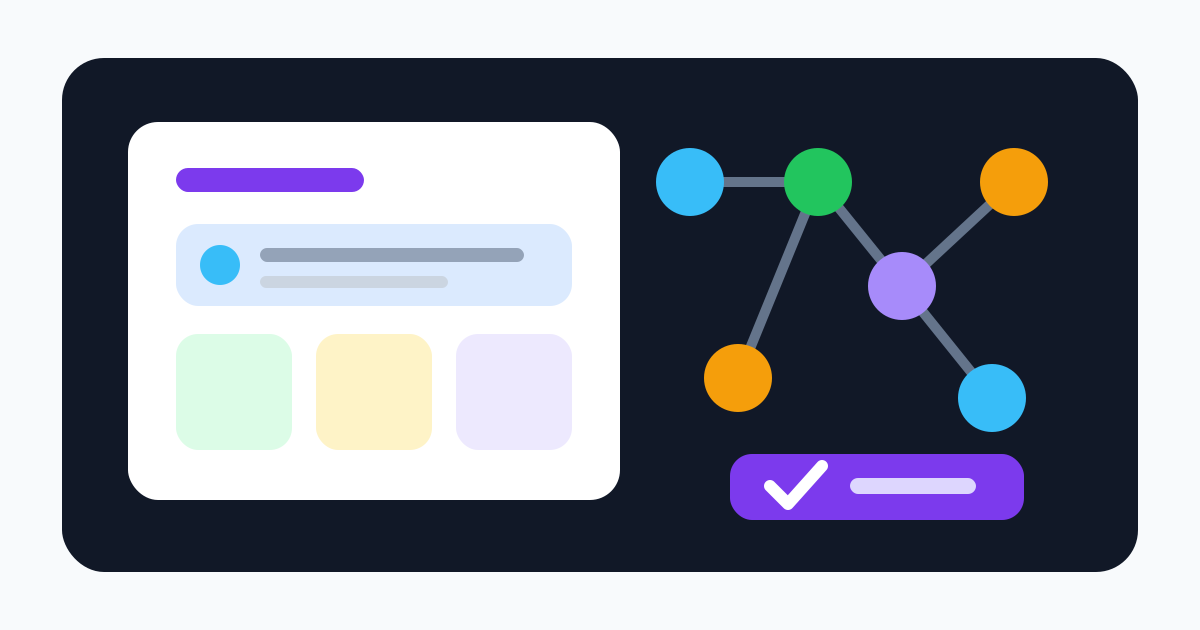
Microsoft Copilot Studio is a graphical, low-code platform for building and managing AI agents. An agent combines instructions, language models, knowledge sources, topics, tools, triggers, and channels. Builders can describe an agent in natural language, refine behavior in a visual editor, add deterministic flows, test sessions, and publish it inside Microsoft 365 or to external experiences.
Generative orchestration can select knowledge, topics, tools, and other agents at runtime. Agent flows and workflows handle repeated processes with branching, data transformations, connector actions, prompts, and human review. Connectors can reach Microsoft 365, Salesforce, ServiceNow, SAP, custom APIs, and many other systems; MCP servers add another standardized tool path. Agents can answer questions, react to events, write records, call APIs, and coordinate specialized agents.
That breadth makes Copilot Studio most attractive in a Microsoft enterprise stack. It also makes a project more than a conversational interface. Once an agent uses a service principal, delegated identity, connector, autonomous trigger, or write-capable workflow, it becomes an operational system with permissions, cost, failure modes, audit requirements, and an accountable owner.
Architecture and safe agent design
Choose the least autonomous design that satisfies the business outcome. Use authored topics or deterministic workflows for policies, calculations, required sequences, and irreversible operations. Use generative orchestration where flexible language understanding and dynamic selection add measurable value. A generative plan should never be the only policy boundary.
For every tool, document the executing identity, connection owner, scopes, allowed records, inputs, outputs, side effects, timeout, retry policy, idempotency behavior, and approval requirement. A support agent that can read a knowledge base should not automatically inherit permission to close cases, issue refunds, or email customers. Separate read tools from write tools and require confirmation or review for external effects.
Retrieved content is untrusted input. Emails, webpages, documents, tickets, and connector results can contain instructions designed to redirect an agent. Limit available tools, isolate sensitive knowledge, preserve source citations, validate outputs against schemas, and apply business rules outside the model. Test whether the agent refuses unsupported questions, respects the current user's permissions, and resists instructions embedded in sources.
Use separate Power Platform environments for development, testing, and production. Package components in solutions, control sharing, inventory every deployed agent, record owners, and establish a retirement process. Release changes through review rather than editing a live production agent. Run regression evaluations on instructions, knowledge, topics, tools, and model changes before publishing.
Copilot Credits and licensing
Microsoft replaced the older message terminology with Copilot Credits. Credits represent the work performed when an agent retrieves information, responds, calls tools, executes workflows, invokes AI capabilities, or runs voice interactions. Different operations consume different amounts. Agent flows also consume capacity per executed action; generative orchestration can add an Autonomous action on top of the individual flow actions.
The May 2026 licensing guide lists pay-as-you-go at $0.01 per Copilot Credit, billed after usage and linked to an Azure subscription. The tenant capacity-pack license is $200 per month, billed annually, and supplies 25,000 Credits per month. Unused monthly pack Credits do not roll over. Pre-purchase plans commit funds for a year with tiered discounts; their unused units expire at the term end. Prices and rules can change, so use the current guide and a written quote.
Cost forecasting must model the actual agent design: conversation volume, orchestration, knowledge retrieval, tools, flow actions, nested agents, voice seconds, retries, failures, evaluations, triggers, and testing. The Microsoft estimator is guidance, not a binding quote. Measure Credits per accepted outcome in a pilot, set environment budgets and alerts, and retain pay-as-you-go coverage only with an approved ceiling and incident response.
Microsoft 365 Copilot licenses include specified internal agent usage for licensed, authenticated users under fair-use conditions. Copilot Studio for Teams in select subscriptions is more restricted and uses classic orchestration with Teams-only publishing. A trial supports authoring and test chat but cannot publish. External channels, unauthenticated or non-licensed users, and autonomous scenarios can require standalone capacity. Do not extrapolate one entitlement across every audience or channel.
Data, identity, and governance
Copilot Studio is governed through Power Platform. Administrators can apply data loss prevention policies, restrict knowledge sources, control connector groups and endpoints, govern sharing and publishing, manage environments, inspect inventory and usage, and disable publication of agents using generative AI. Entra ID authentication and user permissions can tailor access to protected sources. Customer-managed keys are available for environment data in supported configurations.
Identity deserves a separate threat model. Determine whether each action runs as the user, a maker-owned connection, or a service identity. A user-facing permission check is ineffective if the downstream connector always uses a highly privileged shared account. Test horizontal and vertical access, revoked users, guest users, shared links, channel authentication, token expiry, and the exact behavior of every connection reference after deployment.
Microsoft says prompts, responses, and customer data aren't used to train foundation models. This does not mean no data is stored. Conversations, agent definitions, telemetry, Dataverse data, and Microsoft 365 AI interactions can be subject to retention, eDiscovery, audit, and deletion controls. Connectors and external services process the data required to execute their actions under their own terms. Confirm geographic availability, cross-region generative processing settings, subprocessors, Customer Lockbox, DPA terms, support access, and deletion for the exact tenant and feature.
Purview can support auditing, retention, eDiscovery, sensitivity, and compliance workflows, but configuration matters. A badge or Microsoft license does not make an agent compliant with a specific regulation. Map legal basis, data categories, retention, records duties, human review, and incident ownership to the deployed scenario.
Evaluation and operations
Test task success and safety together. Use representative and adversarial prompts, permission variations, missing knowledge, stale sources, ambiguous requests, prompt injection, connector downtime, timeouts, duplicate events, partial writes, and credit exhaustion. Track groundedness, unsupported claims, tool-selection accuracy, write accuracy, escalation rate, latency, Credits, human correction, and recovery time.
Autonomous triggers require stricter controls because no person initiates the session. Use narrow event filters, concurrency limits, maximum steps, duplicate suppression, scoped credentials, approval before sensitive writes, and a tenant-accessible kill switch. Ensure logs identify the agent version, plan, sources, tools, executing identity, inputs, outputs, approvals, and final effects without exposing secrets unnecessarily.
Verdict
Microsoft Copilot Studio is a strong platform for organizations that want agents embedded in Microsoft 365 and Power Platform governance while still reaching external channels and non-Microsoft systems. Its connector ecosystem, workflows, identity integration, administration, and lifecycle features can support serious enterprise programs.
Its complexity is the tradeoff. Licensing and Credit consumption require scenario-specific modeling, and powerful connectors expand the security boundary. Start with one bounded, read-heavy workflow in a non-production environment. Expand autonomy and write access only after evaluations demonstrate reliable outcomes, least-privileged execution, understandable cost, complete auditing, and safe recovery.