What is Brave Leo?
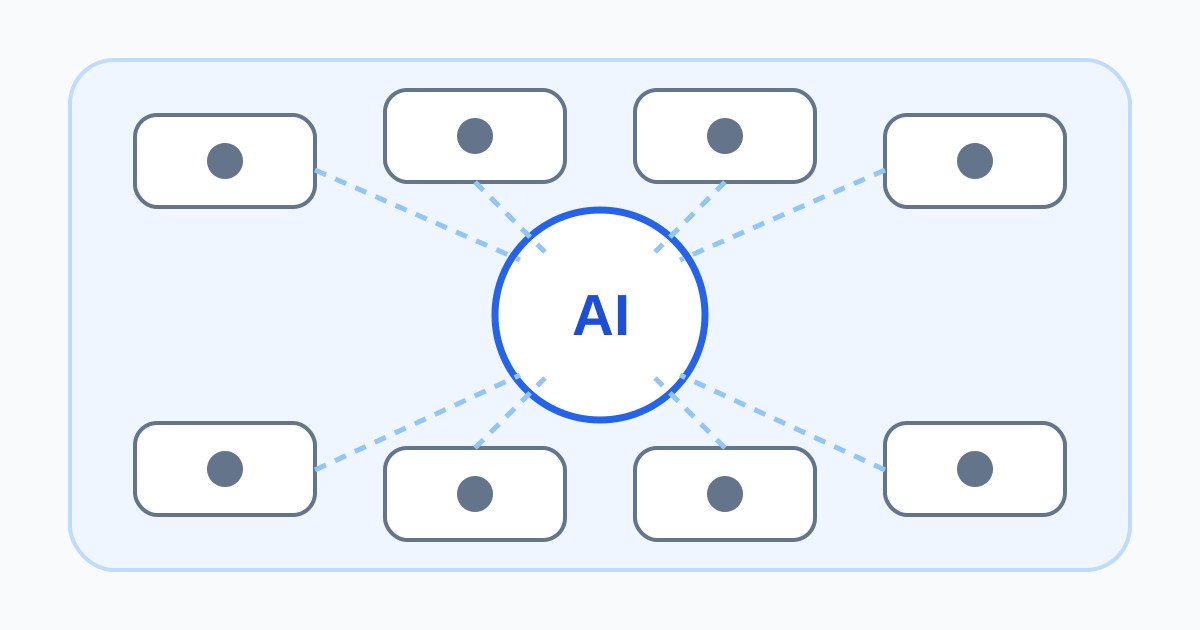
Brave Leo is an AI assistant built into the Brave browser. It can answer general questions, rewrite text, summarize the current page, compare selected tabs, analyze PDFs and images, and use Brave Search context for current information. Full-page chat and a sidebar make it available without moving material into a separate assistant window.
Its practical advantage is browser context. A user can attach a tab, mention several open pages, highlight a passage, or choose a document and ask a focused question. That reduces copy-and-paste work, but it also makes context selection the central privacy control: the assistant cannot summarize a page without processing the relevant content.
Leo is not the same product as Brave Search's generated answer feature, although it can use Brave Search results. It also is not a purely on-device model by default. Brave operates hosted model access behind a privacy-oriented proxy, while a bring-your-own-model connection can point to a local runtime or another remote provider.
Browser workflow and model choice
A productive workflow begins by narrowing the context. Attach only the tab or excerpt needed for the question, ask Leo to identify claims and missing evidence, and then open the original sources. Multi-tab context can compare documentation, plans, or reporting, but a concise comparison can hide qualifications in footnotes and tables.
Brave has changed the available model lineup over time. The Leo roadmap update describes free and Premium model choices, browser and full-page modes, document upload, tab context, temporary chats, and local personalization. Because model availability and rate limits change, choose based on the live selector rather than an old review.
Bring Your Own Model gives technical users more control. A local OpenAI-compatible model can keep inference on hardware they operate, subject to the runtime's own logs and configuration. A remote endpoint sends data to that provider, so Brave cannot extend its hosted Leo retention claims to the external service.
Free and Premium pricing
Leo's free tier is available without creating a Brave account and uses stricter limits. On August 9, 2026, Brave Premium listed Leo Premium at $14.99 monthly or $149.99 annually after a seven-day trial. The paid tier advertises more models, higher daily limits, and early access. A subscription can be validated with unlinkable tokens intended to keep purchase identity separate from day-to-day Leo use.
Premium does not buy factual certainty. Evaluate whether the specific additional models, request limits, and device coverage solve a real bottleneck. If a local or separately billed provider already meets the need, compare its total setup, privacy, and maintenance burden with Premium.
Privacy details that matter
The current Brave Browser privacy policy says Leo does not collect linkable identifiers such as an IP address and does not retain prompts, responses, context, or personal data on Brave servers. It notes that large prompts may be cached for minutes to improve performance and says conversations are not used for model training. Conversation history lives in local browser storage; temporary chats and disabled history can reduce local persistence.
Local history is not the same as local inference. Selected prompt and page context must still reach the chosen hosted model service to generate an answer. Anyone with access to the device profile may also be able to see local history, so device encryption, profiles, backups, and clearing controls still matter.
Voluntary feedback is an explicit exception users should understand. According to the policy, a thumbs-up or thumbs-down submission sends the rating, full current conversation, language, model, version, subscription status, and optional website or comments to Brave; submitted data can be retained for one year. Do not submit feedback from a sensitive conversation.
Accuracy and page safety
The browser asks users to opt in to Leo, and official help explains how to disable it or clear local data. Leo may include current page or highlighted text when answering. Check the visible attachments before sending a request, especially on webmail, medical portals, internal dashboards, customer systems, and private documents.
Search grounding reduces some outdated answers but does not make the model authoritative. It can misread a chart, omit a legal exception, combine incompatible versions, or cite a page that does not support the conclusion. For important work, ask for exact sources, open them, confirm dates and scope, and quote only after reading the original.
Verdict
Brave Leo is a well-integrated choice for people already using Brave who value browser context and a privacy design that avoids server-side chat history. Its strongest use is navigation: summarize, compare, locate relevant sections, then verify. The key boundary is simple—send only the context needed, distinguish local storage from inference, scrutinize external models and feedback, and never let a convenient summary replace the source.