What is Microsoft Designer?
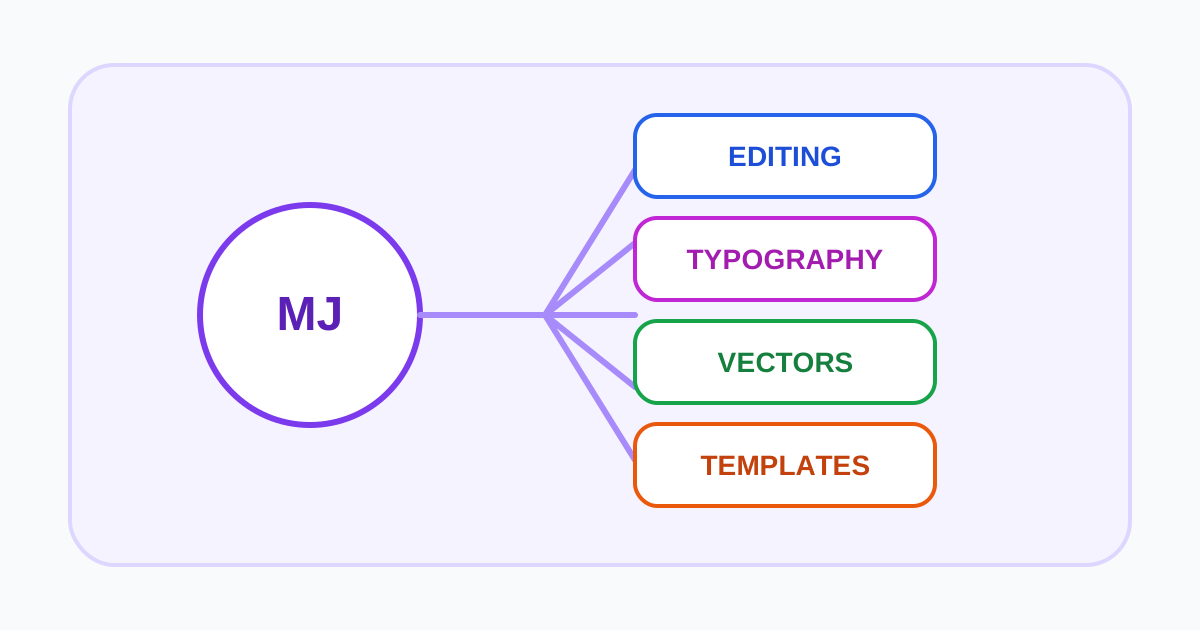
Microsoft Designer is an AI-assisted graphic design and image-editing application for consumers. It can create images and common visual formats from descriptions, then provide tools for background removal or blur, object erasing, upscaling, frames, stickers, cards, invitations, collages, banners, and other personal designs.
The service is available on the web and mobile platforms and appears in selected Microsoft experiences. A Microsoft account is required. This makes Designer convenient for people already using Microsoft storage and apps, but it also means project files, uploads, subscription entitlements, and privacy choices are connected to that ecosystem.
The most important qualification is usage scope. Microsoft's current Designer FAQ says Designer is licensed for personal, non-commercial use with a Microsoft account. That makes it a poor default recommendation for client campaigns, business branding, or monetized products unless Microsoft provides and the user confirms a separate commercial entitlement.
Creation and editing workflow
Designer accepts a description and can generate an image or assembled design. It can also edit uploaded images, remove distractions or backgrounds, improve resolution, and adapt visuals into formats such as posts, cards, or stickers. Brand-kit features described in the FAQ are framed around personal groups and projects rather than enterprise brand governance.
For personal use, the workflow is approachable: generate an idea, choose a result, refine it on the canvas, and download or reuse it. Users should still proofread every visible word and inspect hands, faces, reflections, edges, and implied claims. Microsoft notes that generated text can appear in the wrong language or contain spelling errors.
Designer applies Content Credentials to images created or edited with generative AI, according to Microsoft. Provenance metadata can help identify AI involvement, but it does not verify accuracy or provide permission to use third-party brands, people, or protected content.
Free access, subscriptions, and integrations
Microsoft says Designer is free to use, while a subscription may be required for people who create more frequently. Some image-generation experiences inside Word or PowerPoint require Copilot Pro and, depending on the application, an eligible Microsoft 365 subscription. These integrations should not be assumed to carry the same terms or limits as the standalone consumer app.
Before relying on Designer, confirm the intended account, platform, region, age eligibility, creation credits, storage, and integration entitlements. The absence of an upfront fee does not answer the commercial-use question.
For organizations, evaluate whether a Microsoft 365 or Copilot feature provides an approved business workflow instead of applying consumer Designer terms to work content. Ask the administrator or legal owner to confirm the applicable agreement in writing.
Storage, prompts, and privacy
Microsoft's FAQ says Designer projects are automatically saved to the cloud and count toward the user's Microsoft storage quota. Uploaded personal images are stored in OneDrive. It also warns that Designer itself has no recycle bin for project files, so a deleted project may not be recoverable even though uploaded source images are managed separately in OneDrive.
Microsoft says prompts and model responses are collected for safety investigation and to provide, support, and improve the service under the Microsoft Privacy Statement. Prompts and uploads pass through content-safety systems. Do not include sensitive personal information, private client images, or confidential business plans in a consumer prompt unless the applicable agreement and organizational policy allow it.
Who should choose Designer?
Designer fits personal, low-risk visual creation for people who want quick results without learning professional software. Its Microsoft connections and range of common formats are useful conveniences. The published non-commercial restriction is a decisive limitation, not a footnote.
For business design, compare Canva Magic Studio and its team plans, Adobe Firefly for Adobe production workflows, or Playground AI for a paid commercial license. For focused photo utilities, Clipdrop may be simpler. Always verify the exact plan terms before moving an asset into commercial use.
Test the handoff, not only generation
Create a representative social package with real copy lengths, brand colors, a cleared product image, several aspect ratios, and an accessibility requirement. Measure time to an approved set, not the first suggestion. Check spelling, contrast, cropping, editable text, export quality, rights, and whether another person can reopen and revise every asset.
For organizational use, verify which Microsoft account owns the work, what is shared across connected services, and how projects are retained or removed when a contributor leaves. Keep the final source copy and approved exports in the team's normal system of record.
Visit Microsoft Designer