What is Playground AI now?
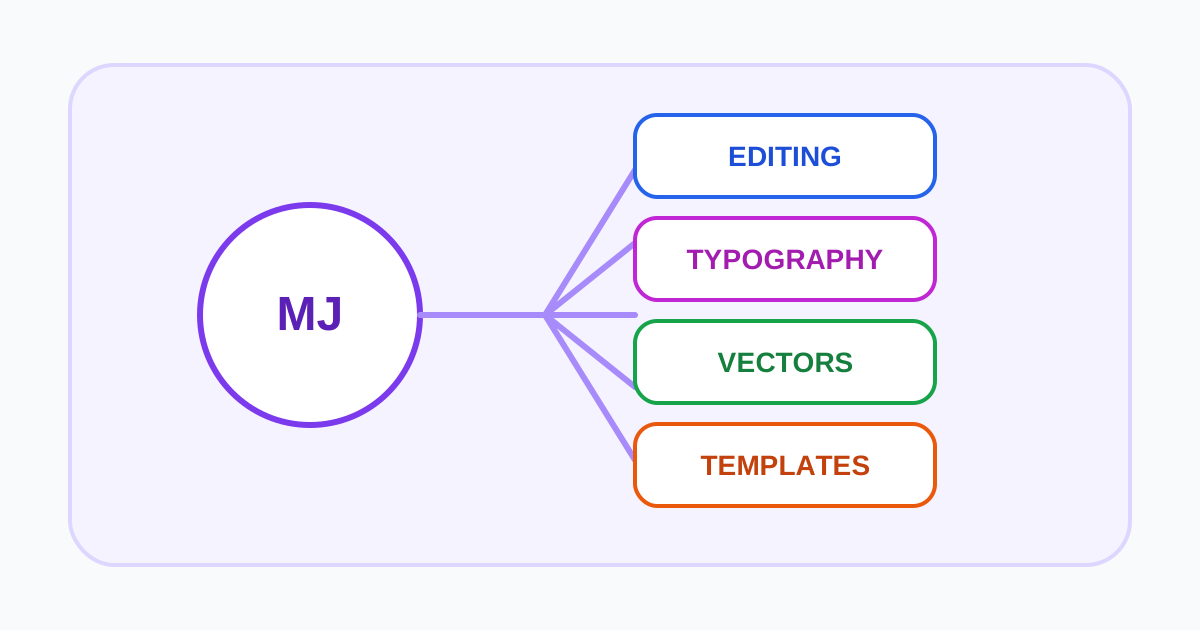
Playground AI is an AI-assisted design workspace for generating, editing, and assembling visual content. This wording matters because many reviews and tutorials describe an earlier version centered on model experimentation and a large prompt canvas. The current product emphasizes templates, finished designs, image editing, resizing, and access to several modern image models.
That shift makes Playground relevant to social posts, posters, invitations, marketing graphics, product concepts, and other visual communication tasks. It is not simply a neutral interface to one model, and an older walkthrough may no longer match the current navigation, allowances, or output rights.
Templates, generation, and Smart Layers
The design workflow can start from a template or a generated image. Users can resize and extend visuals, remove backgrounds, upscale, and place content into a composition. Model access and output resolution depend on the current plan.
Playground's product updates describe Smart Layers, which attempts to separate elements and text in a design so they can be moved or resized. This can make an AI-generated draft easier to compose, but it should not be confused with a fully authored layer file. Inspect edges, masks, text editability, shadows, and export behavior before committing to a production workflow.
Test the editor with a representative deliverable. Use exact copy, a required aspect ratio, a real product image, and a defined brand palette. Record how long it takes to generate a usable base, repair text, align elements, and export the final size. If the design must later move into another application, verify that the export format preserves what the next editor needs.
Plans, rolling limits, and model credits
The official pricing page currently lists free and paid plans. The free plan has rolling generation limits, restricted premium-model access, limited downloads, and non-commercial positioning. Paid tiers increase generation capacity and model credits and can add premium templates, higher-resolution editing, exports, background removal, upscaling, support, or API access.
“Unlimited” and “credits” can coexist. Standard generation may be uncapped on an eligible plan while selected premium models still consume a monthly pool. Resolution, download, edit, and fair-use rules can also differ. Estimate cost using the exact mix of models and actions rather than one generation count.
Because the product changes quickly, avoid purchasing from a legacy plan comparison. Confirm the current monthly or annual charge, renewal, model-credit consumption, rolling windows, download limits, commercial license, and cancellation process on the live page.
Commercial rights and privacy questions
The current pricing presentation labels free creation as non-commercial and advertises a worldwide royalty-free license on paid plans. The same page also answers that users own their creations subject to Playground's terms. These statements should be read together with the current legal terms, not reduced to “all output is free to use.”
Users remain responsible for uploaded assets, trademarks, recognizable people, copyrighted characters, and misleading or unlawful content. If a template includes third-party stock elements or fonts, confirm their separate license and any export restrictions. For client work, preserve the plan record and generation date associated with the approved asset.
Before uploading confidential images, review retention, public visibility, training or improvement use, deletion, service providers, and account controls. A commercial license addresses how output can be used; it does not by itself establish that the creation process is private.
Alternatives and best fit
Playground is a useful candidate for creators who want generation and lightweight layout in the same browser workflow. Its template focus can be faster than moving every draft into a separate editor. The trade-off is that advanced production requirements may still need professional design software.
Compare Canva Magic Studio for a larger template and collaboration ecosystem, Microsoft Designer for Microsoft-connected personal design, Leonardo AI for wider generation controls and custom models, or Ideogram when rendered text is the core test. Evaluate the current product rather than the Playground described in older tutorials.
Test the design loop
Use one cleared campaign brief to create a hero image, a text-led social graphic, and two resized variants. Track generations, edits, rejected outputs, manual corrections, export resolution, and time to approval. Check whether text stays editable, brand colors and product details remain consistent, and a colleague can reproduce a requested change without rebuilding the design.
Review project visibility, uploaded references, retention, deletion, model-specific terms, and commercial permissions before adding client assets. Compare the final editable package with Canva, Recraft, and a dedicated image generator. Playground AI is most valuable when its lightweight canvas reduces handoffs; it is less valuable if every accepted output must be reconstructed elsewhere.
Visit the official Playground AI website