What is Canva Magic Studio?
Canva Magic Studio is a collection of AI-assisted features inside Canva, not a single standalone image model. It extends Canva's existing template, stock-asset, editing, collaboration, and publishing environment with generation and automation. Depending on the current product and plan, this can include image or media generation, generative edits, layout assistance, writing, translation, animation, resizing, and brand-aware workflows.
That positioning is the main reason to shortlist it. A generated visual can immediately become part of a presentation, social post, flyer, video, document, or campaign set. A user does not need to export every experiment into a separate layout application. The trade-off is that “Magic Studio” covers many tools with different models, limits, and rights considerations, so it should not be reviewed as one uniform generator.
Generation, editing, and template workflow
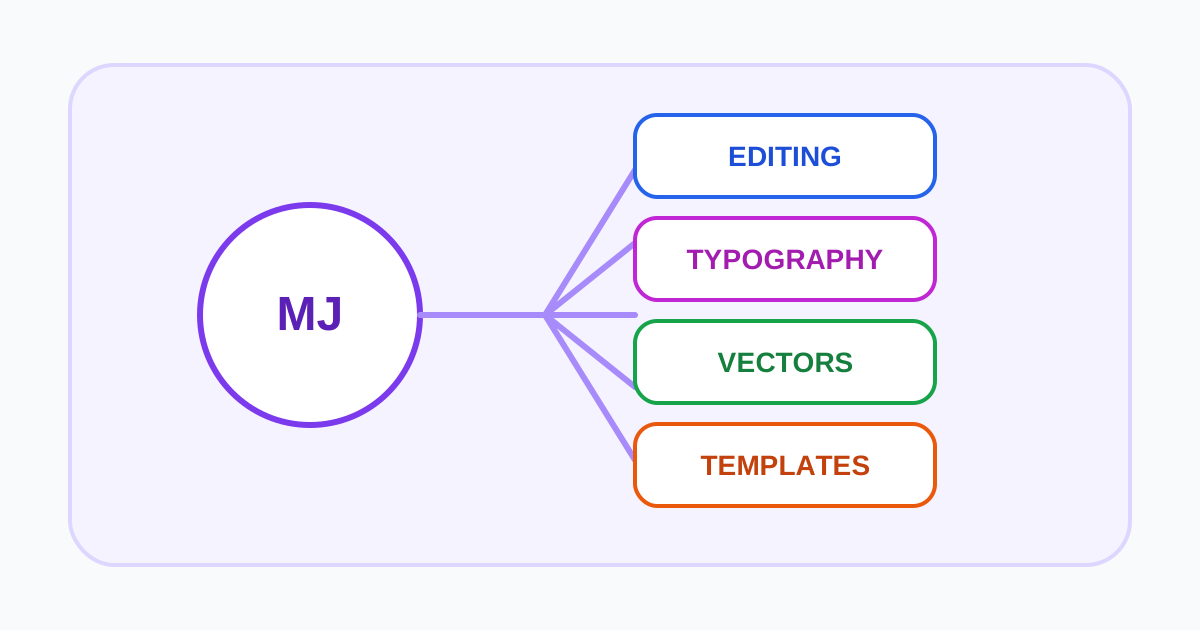
Canva describes Magic Media and related tools for generating images or short media from prompts. Editing features can remove or reposition elements, expand an image, change backgrounds, and adapt a design to other formats. Templates and Canva's normal editor then provide typography, layout, stock assets, and export options.
This workflow can be efficient for routine visual communication. A marketing team might generate a concept, place it into an approved template, apply a brand kit, resize the design for several channels, and send it through a team review. The important test is not whether the AI creates one attractive image; it is whether the complete set remains accurate, editable, accessible, and consistent.
Use a real brief during evaluation. Include fixed copy, brand colors, an uploaded product image, several aspect ratios, and a required export format. Check generated text character by character, inspect image edges after removal or expansion, and verify that template elements remain licensed for the intended use.
Plans and feature limits
Canva's pricing page is the current source for Free, Pro, Business, Education, and other available account types. Magic Studio allowances can vary by feature rather than sharing one simple universal credit pool. Some capabilities may be free in limited quantities; advanced generation, resizing, brand, collaboration, or admin features can require a paid plan.
Estimate cost around the whole design operation: seats, brand kits, storage, approvals, generation limits, premium assets, exports, and the number of channels served. Also confirm whether a specific AI model is provided by Canva or a partner app, because availability and terms can differ.
Do not rely on a static list of generation counts. Canva changes product packaging and may apply regional, language, age, or account restrictions. Verify the exact feature inside the intended workspace before purchasing seats for a team.
AI terms, asset licenses, and privacy
The current Canva AI Product Terms supplement Canva's general terms. Users are responsible for lawful inputs and outputs and should understand the licenses needed to operate the service. The presence of an AI feature does not guarantee that an output is unique, copyrightable, accurate, or free of third-party claims.
Canva designs can combine four different rights layers: uploaded user content, AI-generated output, Canva stock or template assets, and third-party app content. Each layer may have separate permissions. A commercial team should record which assets were used, avoid inserting protected logos or people without clearance, and follow any applicable disclosure requirements.
Review Canva's privacy policy and plan-specific security controls before adding client data. Confirm training or product-improvement settings, retention, deletion, workspace access, connected apps, and subprocessors. Canva also publishes enterprise and education commitments that may not apply to an ordinary consumer account.
Best fit and alternatives
Magic Studio is strongest when AI is one step inside a repeatable communication workflow. Templates, collaboration, and brand controls can matter more than fine-grained generation parameters for small businesses and marketing teams.
Compare Adobe Firefly for Adobe-centered professional editing, Microsoft Designer for personal designs connected to Microsoft services, Playground AI for a lighter design-first generator, or Recraft for vector and brand-style output. Choose by final deliverables, permissions, and total edit time.
Test a complete content operation
Build a small campaign with one source brief, a presentation, a social series, an email graphic, and localized variants. Require brand fonts, colors, approved imagery, alt text, editable handoff, and a final review. Track AI actions, plan limits, premium assets, manual corrections, export failures, and time spent bringing every format back into alignment. This reveals whether Magic Studio reduces total production work or simply accelerates the first draft.
For teams, also test template permissions, locked elements, reviewer access, version recovery, account offboarding, and ownership of uploaded brand assets. Inventory any partner apps or models used in the final designs. The adoption decision should be based on repeatable, governed output rather than the breadth of features visible in a demo workspace.
Visit Canva AI